
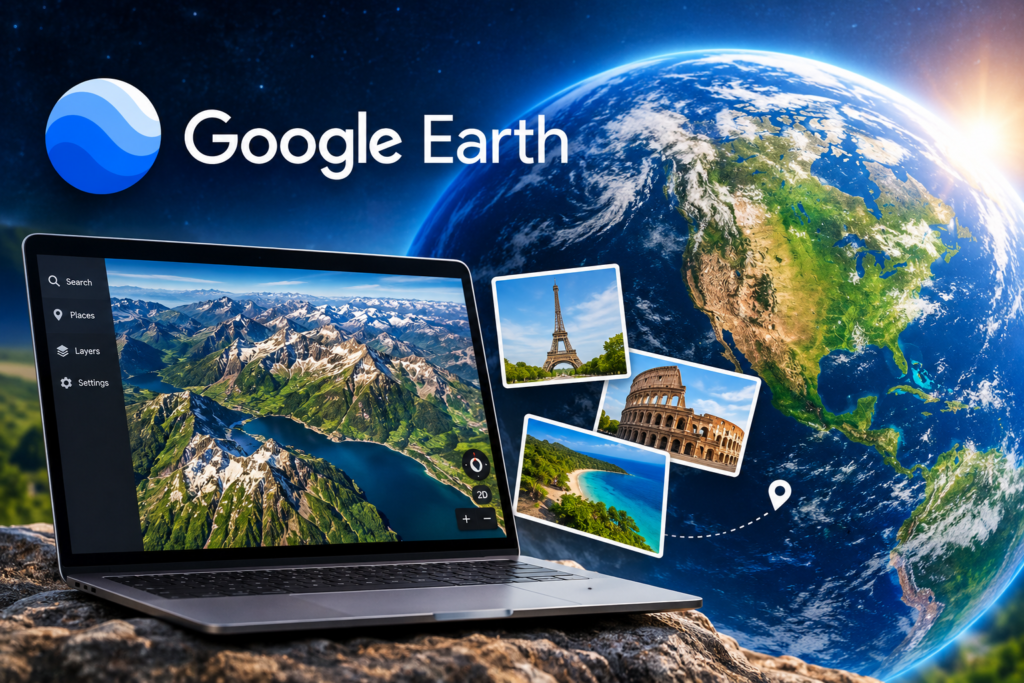
google earth
Google Earth: Explore the World From Your Screen
Have you ever wanted to visit the Eiffel Tower, explore the mountains of Pakistan, or look at a city thousands of miles away without leaving your home? Google Earth makes these experiences possible by allowing people to explore locations around the world through detailed satellite imagery, aerial photographs, and interactive 3D views. Whether you are planning a trip, learning about geography, researching a new destination, or simply satisfying your curiosity, Google Earth offers a fascinating way to discover our planet. With just a computer or smartphone, you can travel virtually across continents, explore famous landmarks, and see how different places look from above. In this article, we will explain what Google Earth is, how it works, its most useful features, and how you can use it in everyday life.
What Is Google Earth?
Google Earth is a digital mapping and geographic exploration tool developed by Google. It combines satellite images, aerial photography, geographic information, and three-dimensional representations of selected locations to create an interactive view of the world. Unlike a traditional map that mainly shows roads, boundaries, and place names, Google Earth allows users to zoom in and explore locations from different perspectives. Depending on the area, you may be able to see buildings, mountains, coastlines, rivers, and other geographical features in considerable detail. The platform is available through a web browser, mobile apps, and Google Earth Pro for desktop computers. Many basic exploration features are free to use. You can begin exploring at the official website: https://earth.google.com/
How Does Google Earth Work?
Google Earth combines information from different sources to create its digital view of Earth. These sources include satellite imagery, aerial photographs, elevation measurements, and geographic datasets. When you search for a location, the platform brings together the available imagery and map information for that area. You can zoom in, zoom out, rotate the view, and move across the globe using simple controls. Some places have detailed 3D imagery that makes buildings and landscapes appear more realistic. Other locations may have less detail, depending on the imagery available. It is important to understand that Google Earth does not show every location live. Satellite and aerial images are collected at different times, so the images you see may not represent what is happening at that exact moment.
Key Features of Google Earth
1. Satellite View of the World
One of the most popular features of Google Earth is its satellite imagery. Users can explore large cities, small towns, forests, deserts, oceans, and remote areas from above. For example, you can search for Lahore, Islamabad, New York, or London and examine the surrounding geography. Zooming out provides a wider view, while zooming in reveals more details where high-resolution imagery is available.
This feature is especially useful for understanding the size, layout, and geographical setting of a location.
2. Explore Places in 3D
Google Earth provides three-dimensional views of selected cities, landmarks, and landscapes. These views help users understand the shape and structure of places more naturally than a flat map. You can explore tall buildings, mountain ranges, valleys, and other features from different angles. In supported areas, 3D imagery creates a more immersive experience that feels closer to a virtual visit. The level of detail varies by location, so not every building or region will appear in 3D.
3. Discover Famous Landmarks
Google Earth makes it easy to explore famous destinations around the world. You can search for the Great Wall of China, the Pyramids of Giza, the Eiffel Tower, or the Grand Canyon. Instead of relying only on photographs, you can examine the surrounding landscape and see how landmarks fit into their geographical environment. This can make learning about history, architecture, and tourism more interesting.
4. Historical Imagery
Google Earth Pro includes historical imagery tools for many locations. These allow users to view available images from different dates and compare how an area has changed over time. Historical imagery can reveal urban development, expanding road networks, changes in agricultural land, and the growth of communities.
However, historical coverage varies, and not every location has images available for every year.
5. Measure Distances and Areas
Google Earth includes tools for measuring distances and, in supported versions, areas. You can use these tools to estimate the distance between two locations or examine the size of a geographical feature. Students may use measurements for geography projects, while travelers and researchers may use them for general planning. These measurements should be treated as estimates rather than official land surveys or professional property measurements.
6. Create and Share Virtual Maps
Users can save places, create projects, add markers, and organize locations into a virtual tour. These projects can help explain a travel route, present a geography assignment, or show a collection of interesting destinations. Depending on the version and sharing settings, you may be able to share your project with other people so they can explore the same locations. This feature turns Google Earth from a viewing tool into a useful way to tell stories about places.
Google Earth vs. Google Maps
Although Google Earth and Google Maps are both developed by Google, each offers a different way to explore the world. Google Maps helps users find locations, discover nearby places, check traffic conditions, and get directions for daily travel. In contrast, Google Earth provides a more immersive experience with satellite images, 3D landscapes, and detailed aerial views of different regions. While Google Maps is ideal for planning a trip or locating a business, Google Earth is better for exploring distant places, viewing famous landmarks, and discovering the Earth’s geography from a new perspective.
The two tools complement each other, and you can choose between them according to your needs.
How to Use Google Earth
Getting started is simple, even if you have never used a digital globe before.
- Open Google Earth: Visit https://earth.google.com/ in your browser, or install the official mobile app.
- Search for a place: Enter a city, country, landmark, or other location in the search box.
- Zoom in or out: Use your mouse wheel, trackpad, or screen controls to change the viewing distance.
- Move around: Drag the map to explore nearby areas.
- Change your perspective: Use the available navigation controls to rotate or tilt the view in supported areas.
- Explore more details: Look for 3D imagery, historical imagery in Google Earth Pro, and available geographic information.
- Save interesting places: Use bookmarks or project features where available to return to your favorite locations.
You do not need advanced technical skills to start exploring. Most basic functions are designed for ordinary users.
How Google Earth Helps Students and Teachers
Google Earth can make geography lessons more visual and engaging. Instead of studying a location only through a textbook, students can explore its landscape and see the relationship between mountains, rivers, cities, and coastlines. Teachers can use it to introduce different countries, explain natural landforms, discuss urban development, and demonstrate how human activities affect the environment. It can also support research projects about climate, population growth, transportation networks, and historical changes in land use. Students should still verify important facts using reliable educational and scientific sources.
Can Google Earth Help With Travel Planning?
Yes. Google Earth can help travelers become familiar with destinations before visiting them. You can explore the surrounding landscape, examine the location of landmarks, and get a better sense of how a city is arranged. It may also help you compare different destinations or prepare a virtual tour for an upcoming trip. However, Google Earth is not a replacement for current travel information. For opening hours, public transport, road conditions, accommodation, and turn-by-turn directions, consult appropriate up-to-date sources and Google Maps where relevant.
Is Google Earth Free?
Many of Google Earth’s core exploration features are available for free. Users can search for places, view available satellite imagery, explore supported 3D locations, and discover geographical features without purchasing a subscription. Google Earth Pro is also available as a free desktop application, offering additional tools such as historical imagery and measurement features. Some capabilities depend on the device, version, location, and available imagery. Check Google’s official website for the latest information about supported features and access.
Is Google Earth Live?
A common misunderstanding is that Google Earth provides a live video feed of the planet. It does not.
The imagery displayed in Google Earth is collected and processed over time. Some images may be relatively recent, while others may be older. Google’s digital globe generally cannot show you a live view of a person walking down a street or a vehicle moving at that moment. If you need current weather, traffic, or other real-time information, use a service designed specifically to provide that data.
Privacy and Responsible Use
Google Earth can reveal a considerable amount of visual information about locations, but users should understand its limitations. Images may be outdated, and the level of detail varies by area. Use the platform responsibly. Avoid making assumptions about a person’s activities based on imagery, and do not treat satellite views as proof of what is happening at a property right now. For questions about image collection, privacy, and Google’s handling of personal information, consult Google’s official privacy resources.
Final Thoughts
Google Earth has changed the way people explore and understand the world. By bringing together satellite imagery, 3D landscapes, historical views, and interactive geographic tools, it allows users to discover places that might otherwise remain unfamiliar. From students learning about geography to travelers preparing for a journey, Google Earth offers a practical and engaging way to explore our planet. Although it does not provide live satellite video, its extensive collection of imagery can still reveal fascinating details about cities, natural landscapes, and the ways our world changes over time. If you enjoy discovering new places and learning how the world fits together, Google Earth is an excellent place to start your next virtual adventure.
Explore more technology guides and digital discoveries on FeedBuzzardMag, where we share useful information to help readers understand the tools and trends shaping everyday life.
Frequently Asked Questions (FAQs)
1. What is Google Earth used for?
Google Earth is used to explore locations around the world through satellite imagery, aerial photographs, 3D views, and geographical information. It is useful for education, travel research, and general exploration.
2. Is Google Earth free to use?
Yes. Many Google Earth features are free, and Google Earth Pro is available as a free desktop application.
3. Can I see my house on Google Earth?
You can search for your address and check whether imagery is available for your location. The amount of detail depends on the available images and how recently the area was photographed.
4. Does Google Earth show live satellite images?
No. Google Earth does not generally provide live satellite video. Its images are collected at different times and may not show current conditions.
5. What is the difference between Google Earth and Google Maps?
Google’s digital globe emphasizes virtual exploration, satellite imagery, 3D landscapes, and historical views. Google Maps is especially useful for navigation, directions, and finding local businesses.
6. Can I use Google Earth on my phone?
Yes. Google Earth is available through official mobile apps for supported devices, as well as through a web browser on compatible devices.
7. Can Google Earth show how a place looked in the past?
Google’s digital globe Pro provides historical imagery for many locations. The available dates and amount of historical detail vary from place to place.
8. Is Google Earth accurate?
Google Earth can be very useful for geographical exploration, but image resolution, image dates, and measurement accuracy vary. It should not replace official surveys or authoritative sources when precise information is required.